
A QR label on a moving box is a simple promise: scan it, see what's inside, skip the tape cutter. The complication is that the label is the cheap part — what matters is what happens after the scan, and that depends entirely on the app behind the label. Here's how the options actually differ.
The three ways to get QR labels on your boxes
1. Pre-printed kits. Products like Smart Labels sell durable, pre-printed QR sticker packs at retail — peel, stick, scan with their companion app. The stickers themselves are genuinely good: weatherproof, uniform, zero setup. The catch is what the scan opens: a page where you type or caption the contents. The label is instant; the inventory is still manual labor, box after box.
2. Print your own, generic. Any QR generator can make codes that link to a note or spreadsheet row. Free, endlessly flexible, and entirely self-maintained — you're building a little database by hand. This works for people who enjoy the system-building more than the moving. Most people abandon it around box ten, for the same reason they abandon the spreadsheet: typing.
3. Print your own, from an inventory app. This is Snap & Store's approach: the app generates your labels and you print them at home onto standard 2.5-inch sticker sheets — no kit to buy, and the label is born already connected to a box record. Stick it, scan it, snap a quick video of what's going in, and the app catalogs the box's items from the video, each with its own photo. The scan doesn't open a form to fill; it opens a box that already knows its contents.
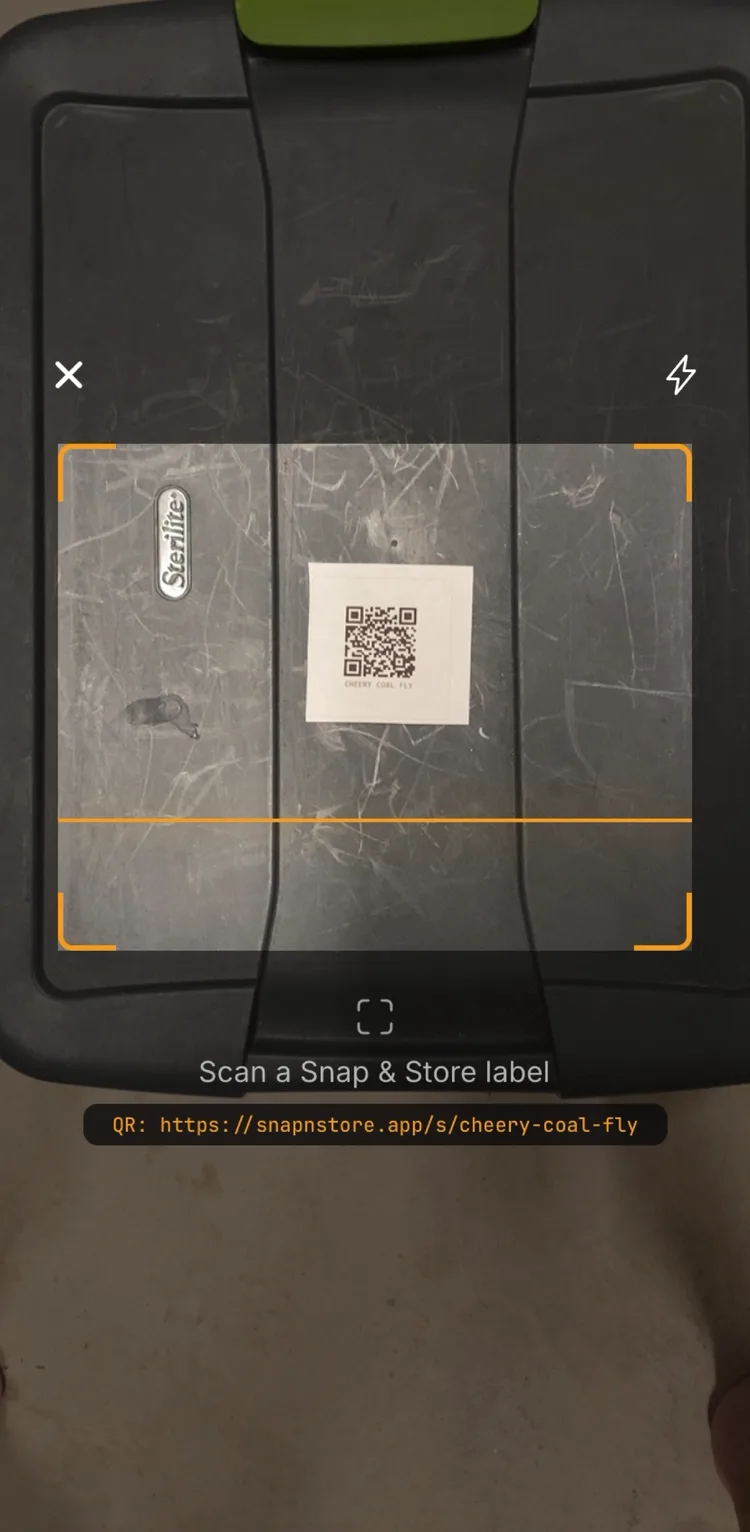 A printed label on a tote lid — scan it and the box's contents open without lifting the lid.
The honest comparison
| Pre-printed kit | Generic DIY | Printed from the app | |
|---|---|---|---|
| Label quality | Excellent, durable | Whatever your printer does | Whatever your printer does |
| Cost | Kit price per pack | Paper + ink | Sticker sheets + ink |
| After the scan | You type the contents | You maintain a system | Contents already cataloged |
| Finding one item later | Scroll what you typed | Depends on your system | Search; it answers with the box |
When you don't need QR labels at all
Honesty owed: if you're moving twelve boxes across town and unpacking them all this weekend, Sharpie is enough. Label by room, muscle through, done. QR labels earn their keep when boxes will be closed for a while — a staged move, a storage unit in the middle, the garage stack you won't touch until winter. That's when "which box is it in?" becomes a recurring question, and a label that answers it beats a label that just names a room.
If that's your move, the 30-second per-box system shows the full workflow, and how it works covers the label mechanics. Your first 3 boxes are free, forever — built for exactly this kind of move.